
DTF & DTG Printing Software for Scalable Textile Production
Myze is the cloud-based software that runs your DTF and DTG printing from order to shipment — Brother GTX directly, every other printer via Cadlink.
Try Myze for freeAnyone working in textile printing with DTF (Direct to Film) and DTG (Direct to Garment) knows the problem: the printing itself is solved, but everything around it is chaos. Orders from different shops, status requests over WhatsApp, spreadsheets instead of an overview. This is exactly where Myze comes in as a DTF and DTG printing software — not as a pure RIP software, but as an end-to-end production system that guides every order digitally from intake to finished garment.
Myze is Brother's cloud software for textile printing and orchestrates DTG, DTF, embroidery and sublimation in a single workflow. For Brother GTX printers, Myze rips the print files directly; printers from other manufacturers are integrated hardware-agnostically via RIP software such as Cadlink.
What a good DTF and DTG software must deliver
A printing software that holds up day to day needs to do more than prepare graphics. It has to hold the entire production together:
- Prepare print files: direct ripping for Brother GTX, integration of other DTF/DTG printers via Cadlink and hotfolders.
- Bundle orders: orders from Shopify, WooCommerce, Shopware and other platforms flow together automatically.
- Avoid errors: QR codes route every item to the correct station and prevent wrong sizes or forgotten orders.
- Scale: batch production and automatic nesting for efficient film usage at high volumes.
DTF or DTG — what's the difference?
DTF and DTG are two different digital printing methods for textiles. Both have their strengths, and the right software should master both. The key differences at a glance:
| Feature | DTG (Direct to Garment) | DTF (Direct to Film) |
|---|---|---|
| Printing principle | Printed directly onto the garment | Printed onto film, transferred via heat press |
| Ideal for | Cotton, soft feel | Many materials, including blends |
| Pre-treatment | Pretreatment required (depending on color) | No pretreatment on the garment |
| Strength | Photo detail, natural look | Flexibility, vivid colors, storable sheets |
| In Myze | Direct ripping for Brother GTX | Hardware-agnostic via Cadlink |
The advantage of software like Myze: you don't have to choose between the two methods. Both run in the same system, and every order is automatically assigned to the correct method and the correct station.
DTG printing: directly onto the garment, directly controlled
In DTG printing, the graphic is printed directly onto the garment. Here Myze handles the ripping for all Brother GTX models — GTX4, GTXpro, GTXpro Bulk and GTX600 — and sends the finished print file straight to the printer.
Define your own print profiles
You create your own print profiles based on categories, colors or individual products. This gives you the best result for every garment without reconfiguring for each order. If a product requires pretreatment, Myze displays this automatically at the relevant station.
Analytics included
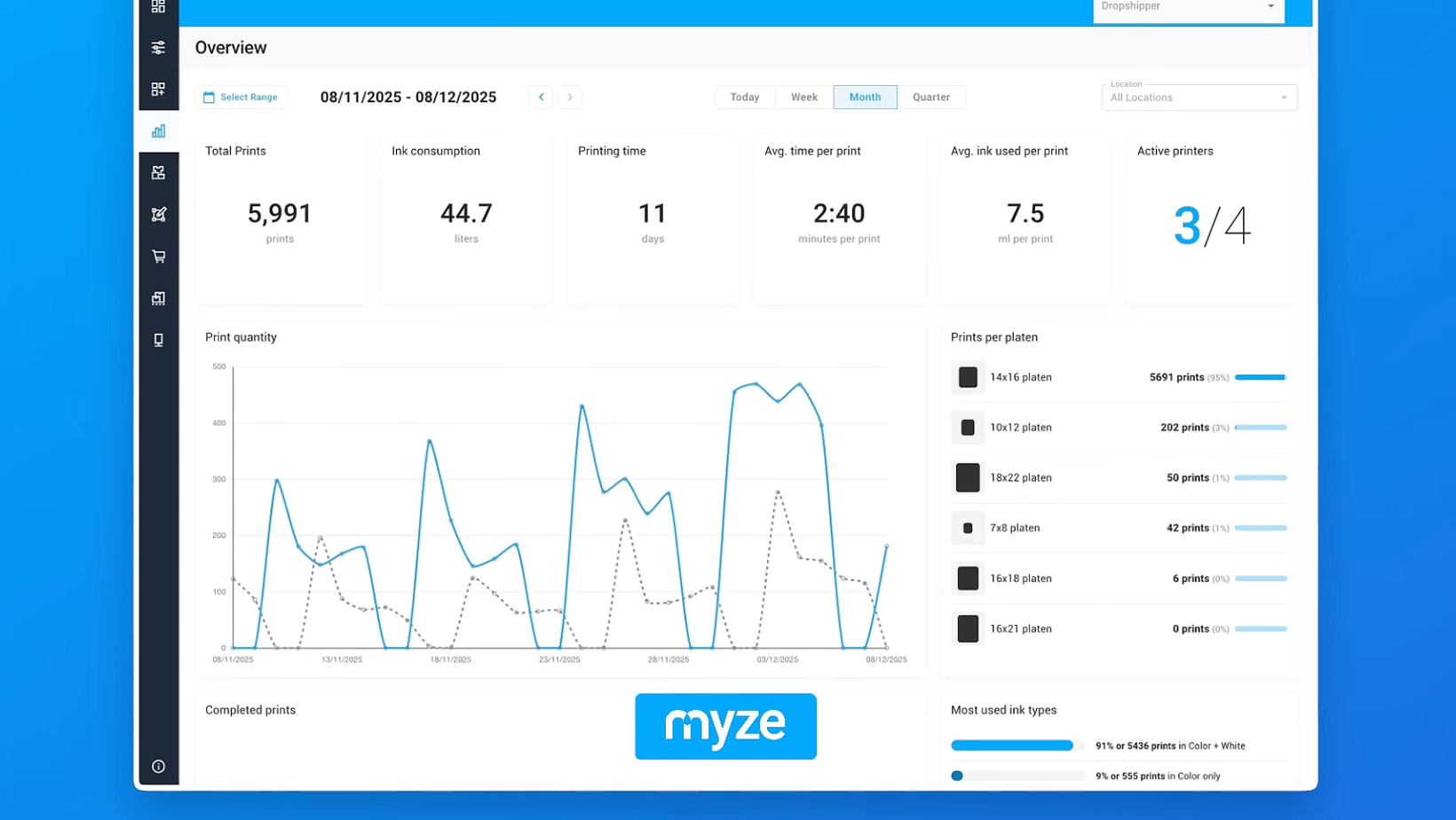
For the supported GTX printers, Myze delivers real-time production analytics. You don't find out at the end of the day whether everything ran smoothly — you keep KPIs per location and time period in view at all times.
DTF printing: hardware-agnostic via Cadlink
In DTF printing, the design is first printed onto a film and then transferred via heat press. For DTF, Myze is deliberately hardware-agnostic: via Cadlink, Myze saves the print data into hotfolders that your RIP software processes. This lets you integrate DTF printers from manufacturers other than Brother into the workflow as well.
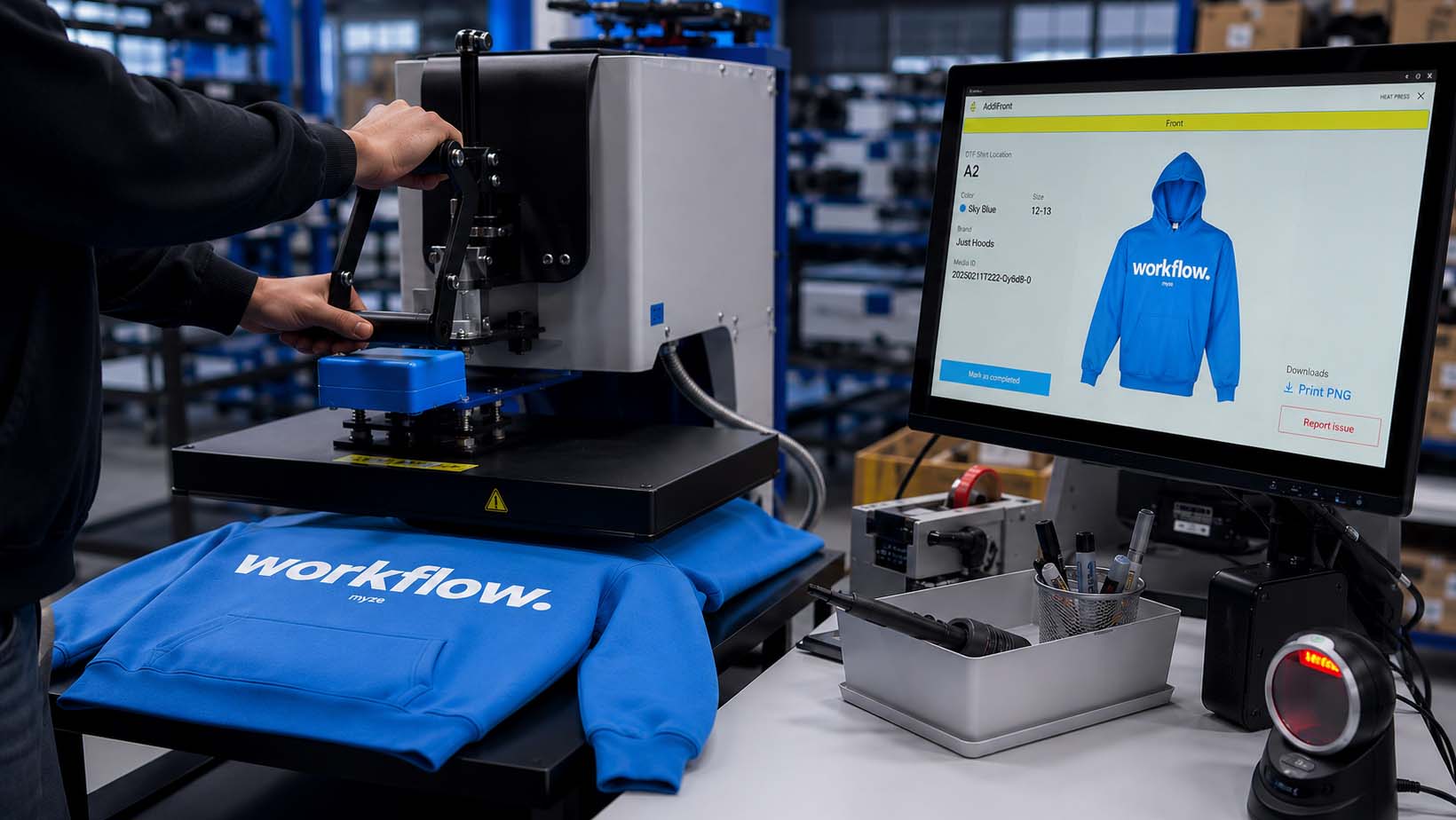
Items configured as DTF are routed automatically by Myze to the heat press station. If you have assigned a storage location to the DTF sheet, the station shows the operator exactly where the sheet is — no searching, no guessing. In addition, automatic nesting in Cadlink ensures the film area is used optimally.
How an order moves through Myze — in 6 steps
From the shop click to the packed parcel, every step is digitally connected and traceable via QR code:
- Order comes in. Orders from Shopify, WooCommerce or Shopware land in Myze automatically.
- Picking & labeling. You pick item by item or generate a batch list; Myze prints a QR label for each item.
- Print file preparation. Myze rips directly for Brother GTX or hands the file to your RIP software via Cadlink.
- Printing & heat press. DTG items go to the printer station, DTF items to the heat press station — guided by scan.
- Quality control. Optional QC step that you build into the workflow yourself.
- Packing & shipping. Myze creates shipping labels via Sendcloud, including a status update back to the shop.
Built for scalable mass production
The real advantage appears when volume comes into play. Most garment decorators are stuck in manual processes: WhatsApp as production control, spreadsheets instead of real-time analytics, disconnected point solutions for shop, print and shipping. Errors from manual handoffs — wrong sizes, forgotten orders, duplicated work — happen every single day.
Myze puts an end to that. Using a virtual stock layer, orders are automatically held back when material is missing, until supply arrives; only then does production start. Orders only appear at the production stations once all materials are in stock. This prevents incomplete production and keeps throughput high.
Requirements & compatibility
You don't need any special IT infrastructure. Myze runs cloud-based on AWS (Frankfurt, GDPR-compliant). Here's what you need:
- Printer: Brother GTX4, GTXpro, GTXpro Bulk or GTX600 with full integration — or DTF/DTG printers from other manufacturers via Cadlink.
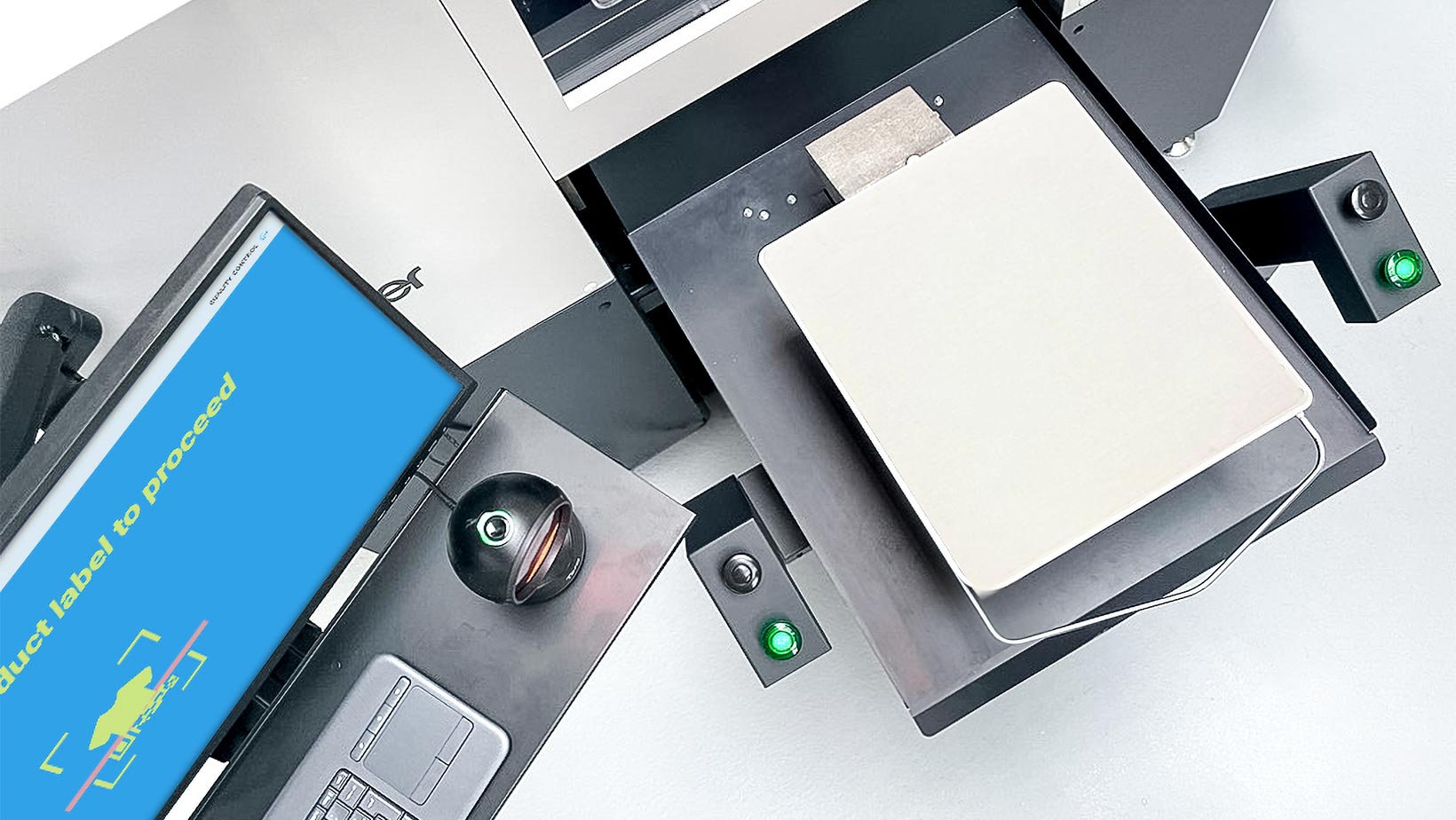
- Fulfillment stations: each station has a touch monitor, a QR code scanner and — depending on the station — a label printer.
- Shop (optional): Shopify, WooCommerce, Shopware or your own integration via the Myze API.
Frequently asked questions about DTF and DTG printing software
Is Myze a DTF and DTG printing software?
Myze is a cloud-based workflow and production software for DTF and DTG printing. For Brother GTX printers, Myze rips the print files directly. Printers from other manufacturers are integrated into the workflow via RIP software such as Cadlink. This means Myze controls the entire print process from order to finished garment.
Which printers does Myze support for DTG and DTF?
Myze supports all Brother GTX printers (GTX4, GTXpro, GTXpro Bulk and GTX600) with direct ripping and analytics. For DTF and DTG from other manufacturers, Myze is hardware-agnostic via Cadlink: print data is saved into hotfolders and processed by your RIP software.
What is the difference between DTF and DTG printing?
In DTG printing, the graphic is printed directly onto the garment, ideal for cotton and a soft feel. In DTF printing, the design is first printed onto a film and transferred via heat press, which works on more materials. Myze supports both methods in one shared workflow.
Can I connect my shop to a DTF printing software?
Yes. Myze connects to Shopify, WooCommerce, Shopware and other platforms. Orders flow automatically into Myze, are assigned to the correct print method, and the production status is reported back to the shop — with no manual data transfer.
Does DTF software also work for mass production?
That's exactly what Myze is built for. A QR-code-driven process guides every order through picking, printing, heat press, quality control and shipping. This reduces manual steps, prevents errors and makes producing large volumes plannable and scalable.
Can I try Myze for free?
Yes. Myze offers a test account that lets you try the complete workflow without triggering real production. This lets you see in advance how DTF and DTG orders move through production in Myze.